 Getting Started
Configuration
Addons
Credits
Getting Started
Configuration
Addons
Credits
Default HL2:SB++ gameplay doesn't look very nice for any newbie player, doesn't it?
You might install some helpful addons and touchscreen buttons config (if you are playing HL2:SB++ on Android device.)
You can find some helpful addons on HL2:SB++ server.
If you are playing on an Android device, it's better to get some community touchscreen controls you would
like.
People mostly have been playing with:
There also many other touches that can be found in "addons" forum at HL2:SB++ Discord server. And it's up to you who would select touchscreen buttons config for yourself.
Another step of making HL2:SB++ game better is modifying game settings.
You might change your video settings at Settings>Video.
You might also change your graphics settings
at Settings>Video>Graphics.
And if you're an PC player, you might change your game controls at Settings>Controls. Or even enable your gamepad at Settings>Controls>Advanced>Enable gamepad.
Another step of making HL2:SB++ game better is personalization.
You can change your playermodel in "Advanced Settings" button.
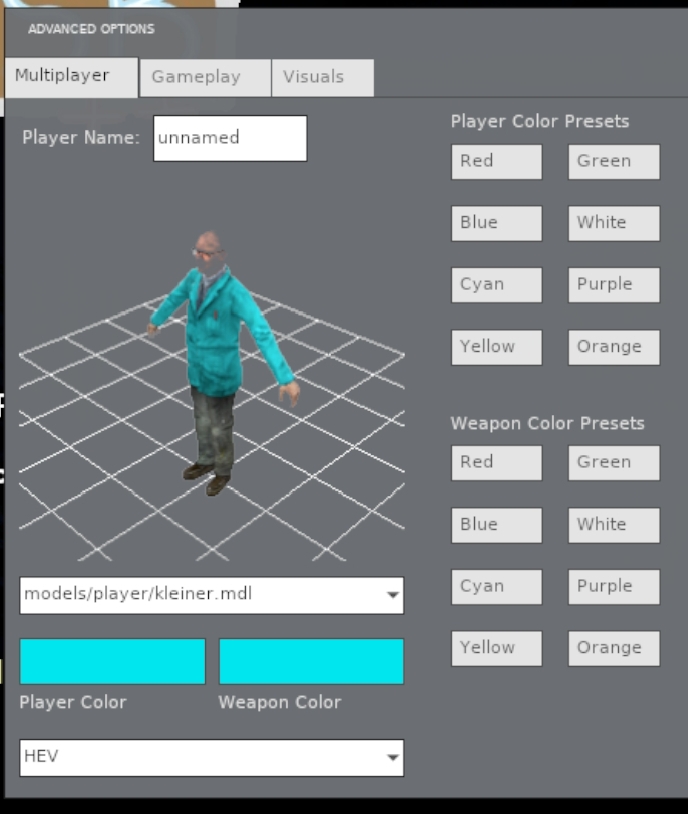
There you can set your name, playermodel and see it in 3D, set color for playermodel and weapon color, set viewmodel hands and etc..
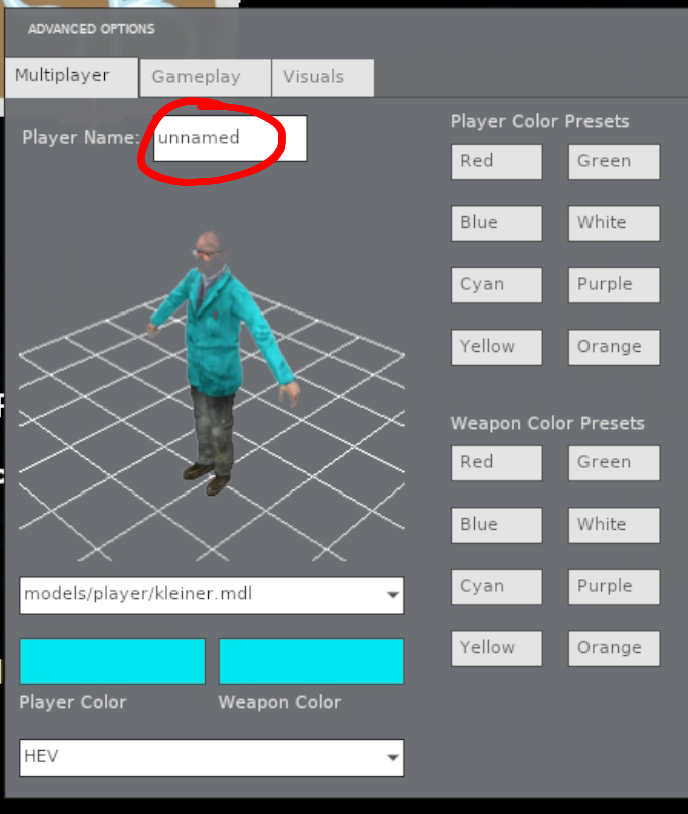
See the textbox near with "Player name:" text? It is your name in-game. You can change it to whatever you want.
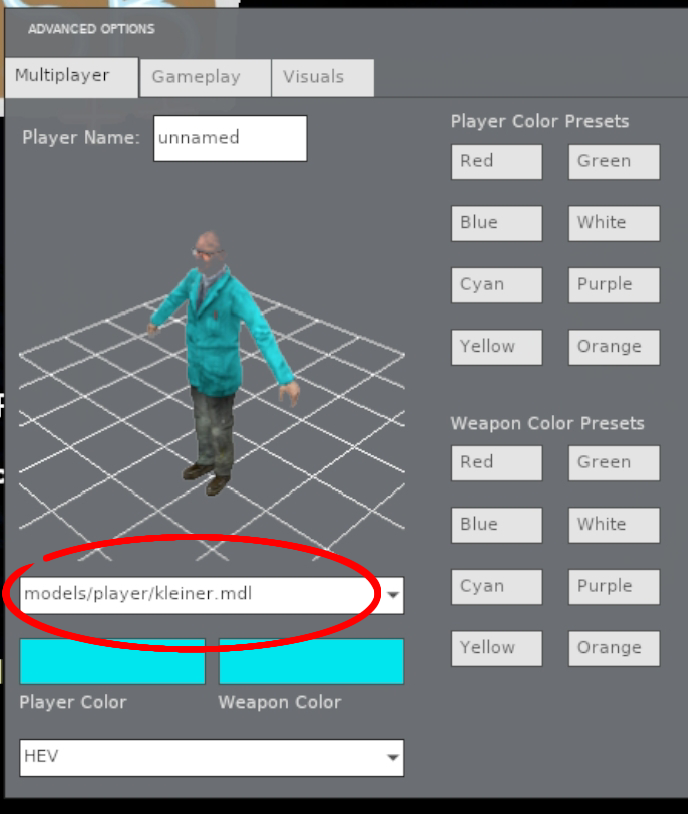
There you can set your playermodel, there a bunch of playermodels you can choose. You also can download Garry's Mod playermodels from the internet and use them for HL2:SB++.
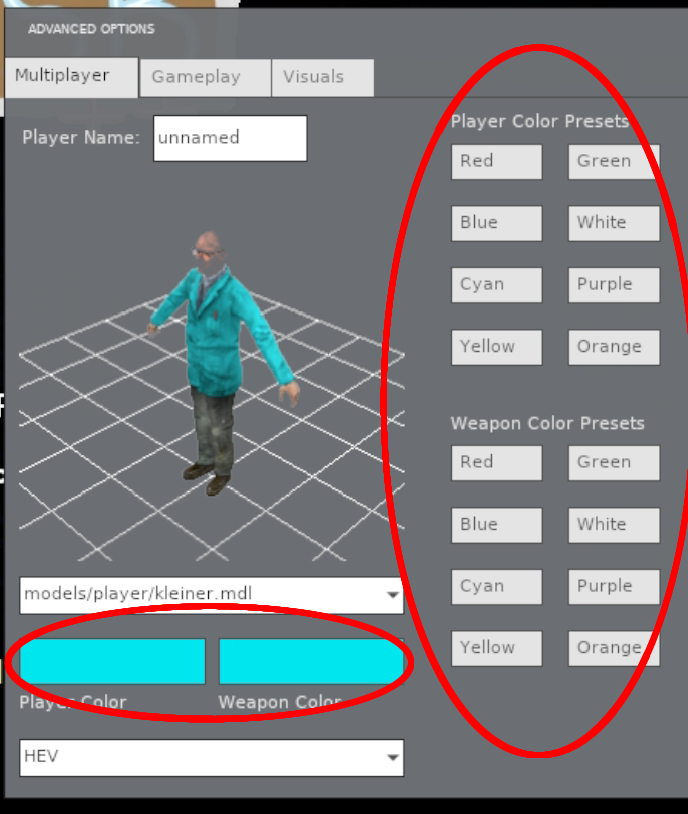
Those cyan colored buttons are for color of the playermodel (right) and physgun light color (left). You can use preset color buttons on the left or set you own but clicking the color buttons.
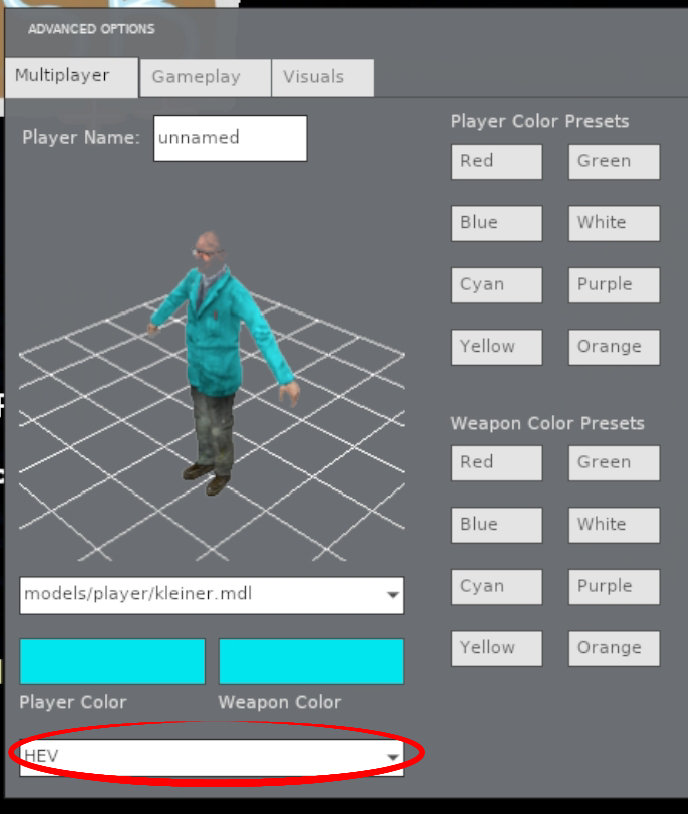
There you can choose viewmodel hands. There are several viewmodel hands. You can find viewmodel hands on the internet.